Settings
Pages
Camera & video
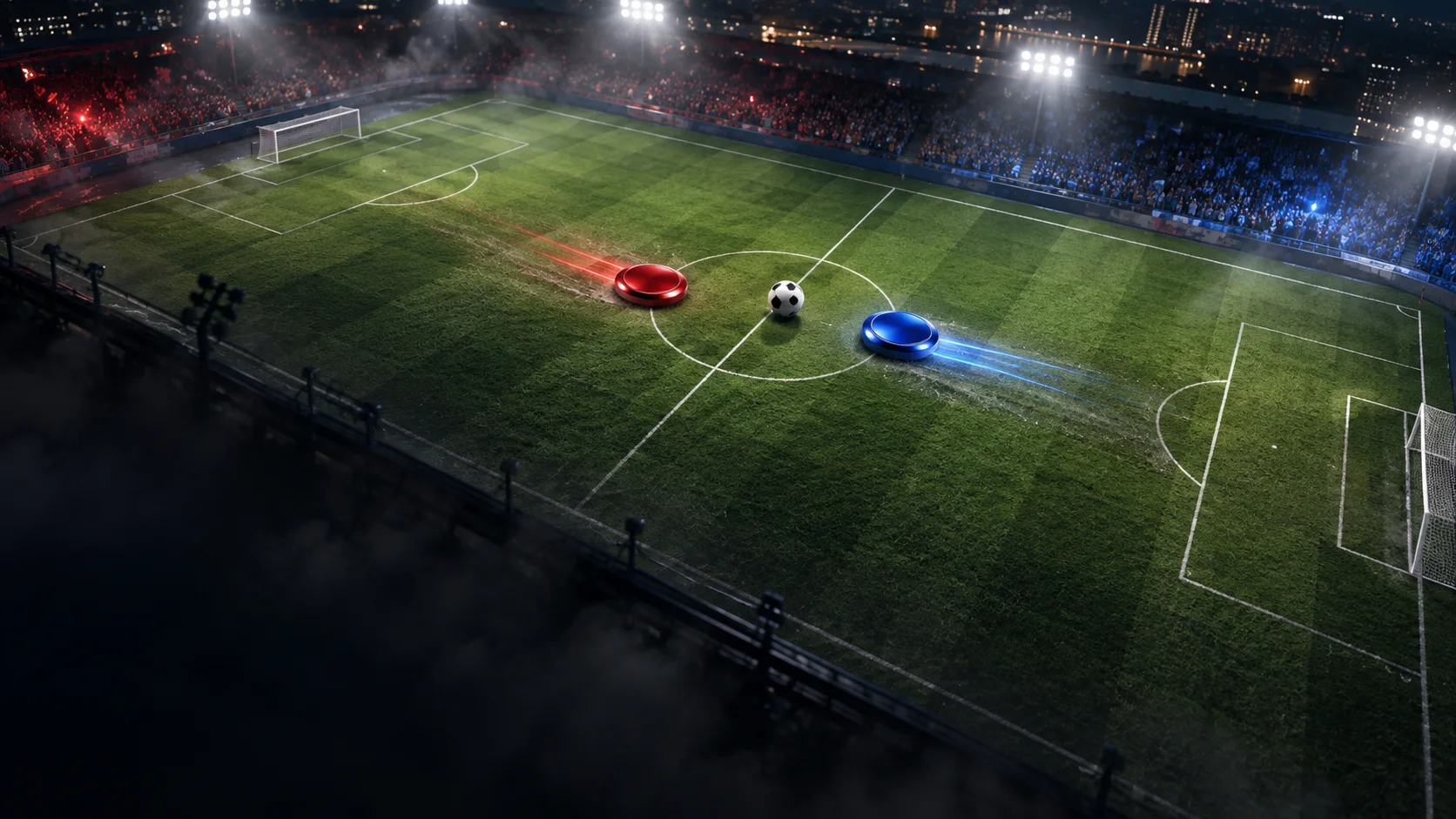
Shape how the pitch looks and performs on your screen.
Camera distance
Auto shows the whole pitch when it fits. Fixed distances follow the play and widen when player and ball separate.
Camera follow
Framing priority for fixed distances. Both stay visible when the stadium allows. Press C to switch.
Performance profile
Resolution, frame cap and grass effects. Match physics stay the same.
Pitch resolution
Lower resolution reduces graphics load.
Frame rate
Limit graphics load without changing match speed.
Grass pattern
Mowing pattern across the grass area.
Grass length
Blade height; does not change ball physics.
Pitch wear
Visibility of lasting soil and paint wear. Off stops new wear.
Grass deformation
Temporary player and ball bending. Full gives the strongest response.
Wear accumulation speed
Controls local permanent wear after the initial room snapshot.
Grass recovery
How quickly temporary tracks spring back. Permanent wear stays.
Ball grass response
Ball trail strength within the grass deformation setting.
Grass wind
Ambient blade movement, independent of traffic and wear.
Player avatars
Show custom avatars on players.
Custom team colors
Show the room’s chosen team colors.
Player names
Show names below other players.
3D ball
Use a rolling, paneled ball instead of the classic ball.
Fullscreen
Use the entire screen. Esc opens the room menu.